
Studio
You can use Transpose and your three Studio songs without an account. Signing in helps you keep your practice settings or continue on another device.
Sign in with Google
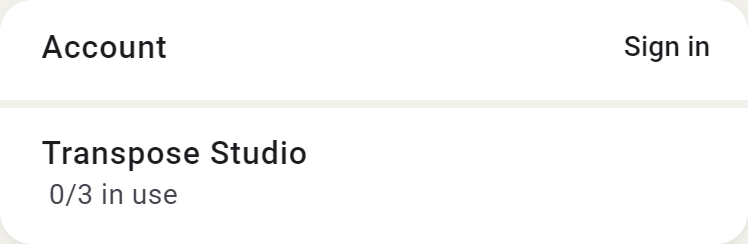
Open Settings and choose to sign in with Google. If you choose Save while signed out, Transpose asks you to sign in first. You can then continue saving.
What gets saved?
Choose Save yourself to keep your settings with a song. Signing in alone does not automatically save changes or start a trial.
On another device
Sign in with the same Google account to find your saved songs and use the same three Studio songs. Your first sign-in links your chosen Studio songs to your account; another device adopts that choice.
If you use your own audio or video files, you need those files on the other device too.