
Varispeed – Linked Pitch and Speed for Natural-Sounding Practice
Link pitch and speed in Studio for small tuning corrections, and learn when to keep the two controls independent.
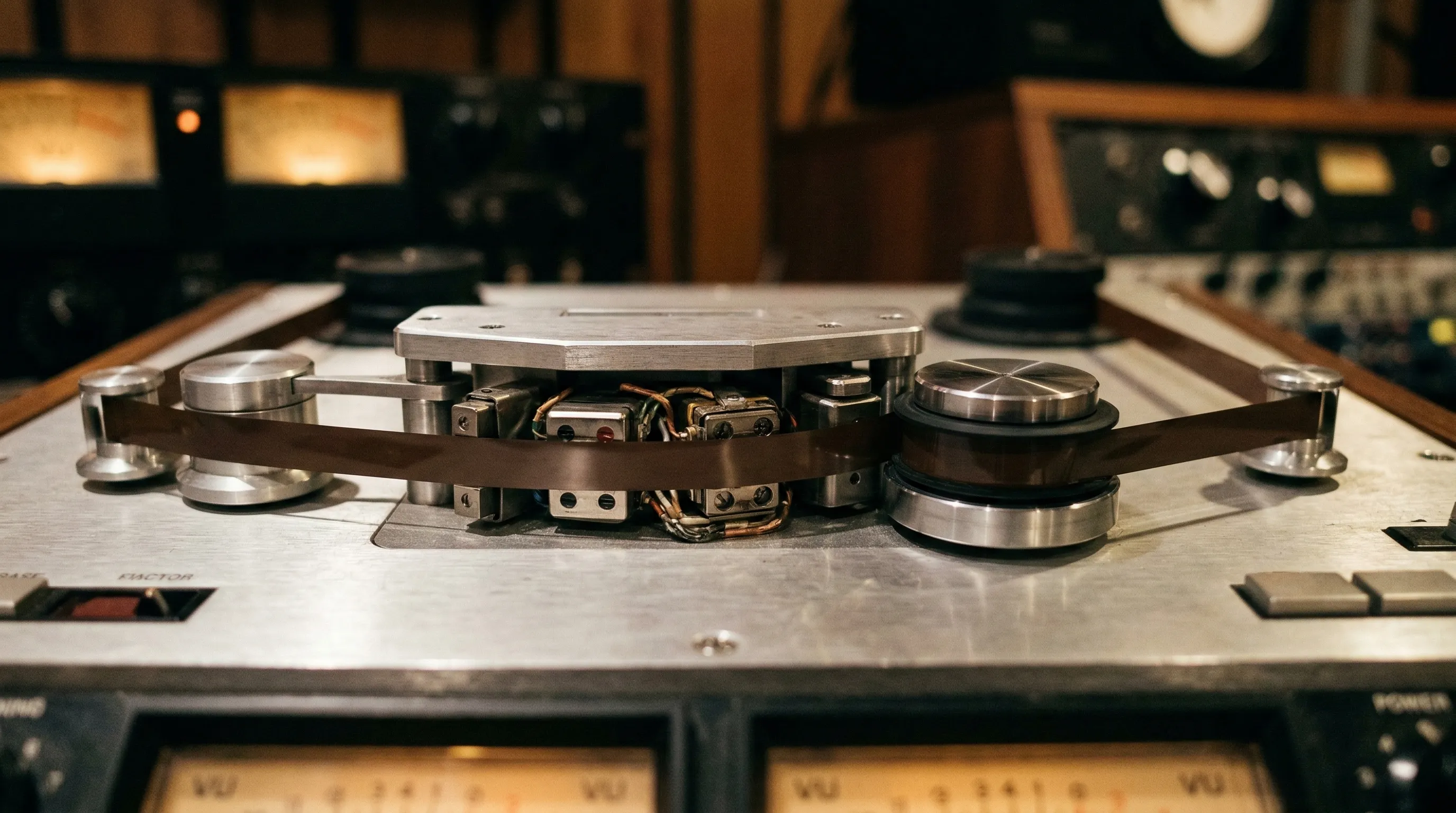
Varispeed links pitch and speed, like changing the speed of a record player. Slower playback sounds lower; faster playback sounds higher. This is useful when you want a small tuning correction and do not need to preserve the exact tempo.
What changes when Varispeed is on?
Normally, Transpose lets you change the key while keeping the tempo, or slow down a passage while keeping its key. Varispeed couples those adjustments.
For example, raising pitch by one semitone increases the playback speed by about 5.9%. Lowering it by one semitone reduces speed to about 94.4%. This relationship follows the frequency ratios between notes.
Varispeed avoids the time-stretching step used to keep pitch and tempo independent. It does not recreate tape saturation, turntable noise or other analogue effects.
StudioSide
Use Varispeed in Studio
- Open a song in Studio and switch to Side.
- Choose a scene containing the Varispeed card, or add it with Edit scene.
- Turn on Varispeed.
- Adjust Pitch or Speed. The other value follows automatically.

When Varispeed is on, transposition is limited to −2 to +2 semitones. Formant and Vocal Reducer are temporarily disabled. Turn Varispeed off to return to independent pitch and speed control.
See the Varispeed reference guide for its controls.
Varispeed also switches Stem Mix off and disables its controls. After turning Varispeed off, enable Stem Mix again yourself. Prepared stems, the selected part and the mix balance are retained.
Choose the mode for your practice
| What you want to do | Mode |
|---|---|
| Slow down a riff while playing in the original key | Normal Speed |
| Move a backing track into your vocal range without changing its tempo | Normal Transpose |
| Correct a small pitch offset, accepting a corresponding tempo change | Varispeed |
| Hear how a recording changes when played faster or slower with linked pitch | Varispeed |
For learning a part note by note, normal Speed is often easier because your instrument stays in tune with the slowed recording. Varispeed is useful when that linked change is part of what you want to hear.
Match a recording’s tuning
If the recording is slightly sharp or flat, make a small Pitch adjustment while Varispeed is enabled. You can also use Reference Tuning when you know the recording and instrument reference values.
Read Reference Pitch Tuning for examples and the difference between reference frequency, cents and semitone transposition.
Using Studio
Studio is available for three songs of your choice, without an account, subscription or expiry date. Choose Open in Studio on your song. See Studio for replacing songs and unlimited access options.