
Use Transpose to change pitch and speed and repeat passages for free on every song. You also get Studio for three songs of your choice for free.
- Install Transpose through the website’s installation link. Open an audio or video page and start playback there.
- Click the Transpose icon in the browser toolbar. Pin it in the browser’s extension menu to keep it within reach.
- If Allow access appears, click it and confirm the browser prompt. If needed, click the Transpose icon at the top of the browser again.
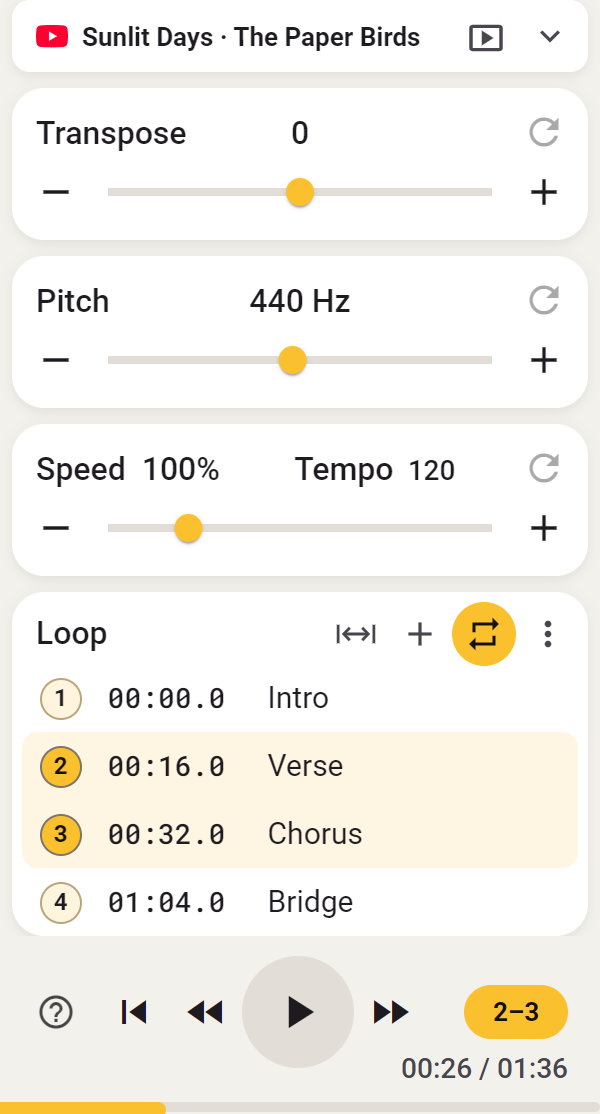
- Use the sliders to raise or lower the pitch or slow down the music. Repeat a passage with a loop; no account is needed.
- Choose Open in Studio to use extra practice tools in the side panel. You can choose three Studio songs.
- Open Player from Settings for your own audio/video files.
- See Small window or side panel to keep the controls beside your video and Connection if the media is not detected.