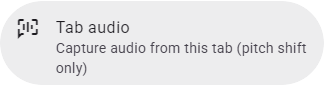
Sometimes Transpose cannot work directly with a website’s player. Tab Audio uses the sound from the whole tab instead.
Choose Use Tab Audio in the connection message.
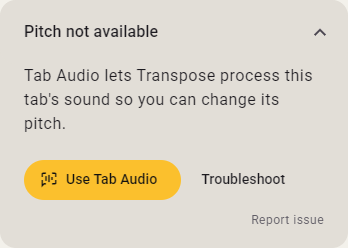
- Confirm the browser prompt if one appears.
- Keep the music playing on the website.
Use the website’s own playback and seeking controls if needed. Transpose can hear the music without being able to control every part of its player. Stem Mix is unavailable in Tab Audio.
Stop Tab Audio from its recording card or Settings to return to the ordinary connection.

Start from Settings
You can also turn on Tab Audio yourself. Open Settings in Transpose and choose Tab audio.