
StudioSide
Arrange your clips to make a practice sequence. Each clip plays its chosen number of repetitions, then the next one follows.

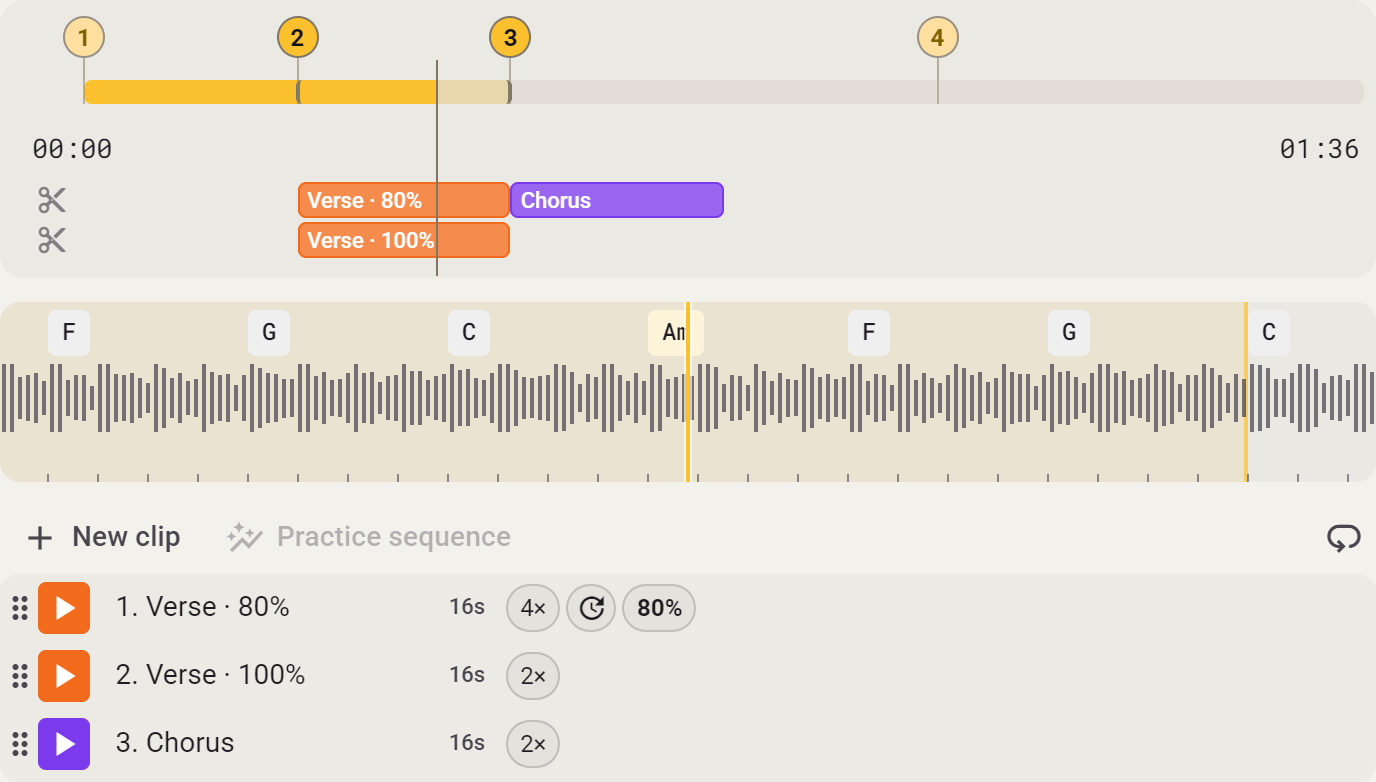
- Open Clips in the side panel and start the clip you want to begin with. Disabled clips are skipped.
- Enable Repeat sequence to return to the first clip after the last one. Otherwise the sequence stops after the last clip.
- Need more time on one difficult passage? Enable Repeat this clip. Turn it off again to continue through the sequence.
- Use Stop clip or the active loop button to end the sequence. Choosing another layout does not stop it.
You can also keep the sequence visible as a bar. Enable it in Edit scene and click a step to start there.