
StudioSide
Adjust low, middle and high frequencies. Reduce the bass or make an instrument easier to hear, for example.
Move the pointer over the card to reveal its extra buttons.
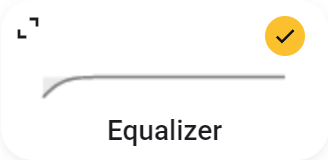
- The yellow status button turns the Equalizer on or off.
- The line shows the current EQ curve.
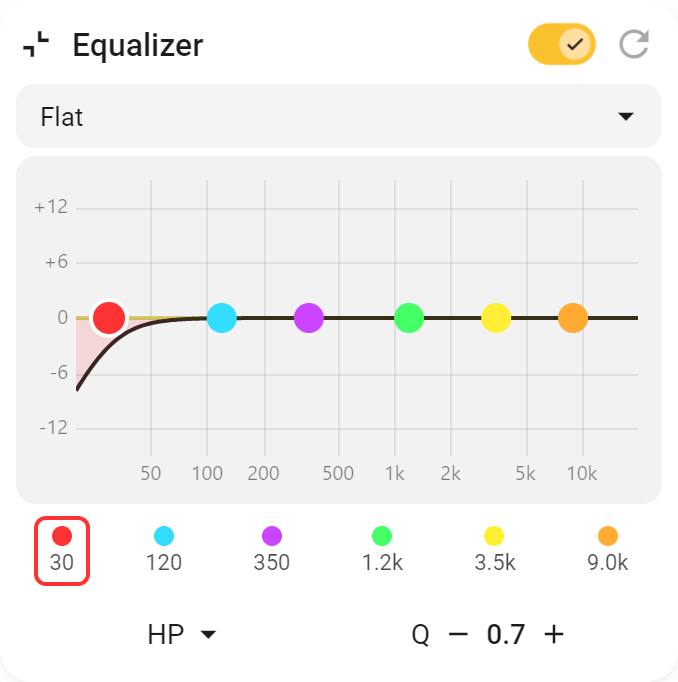
- Expand the card to choose a preset or adjust parts of the sound yourself. Frequency selects the tone, gain makes it louder or quieter, and Q controls how wide the affected range is. Filter type sets the shape of the adjustment.
- With Mouse wheel control, you can change the Q of the band under the pointer.
- Reset returns every band to Flat without turning off the Equalizer.